

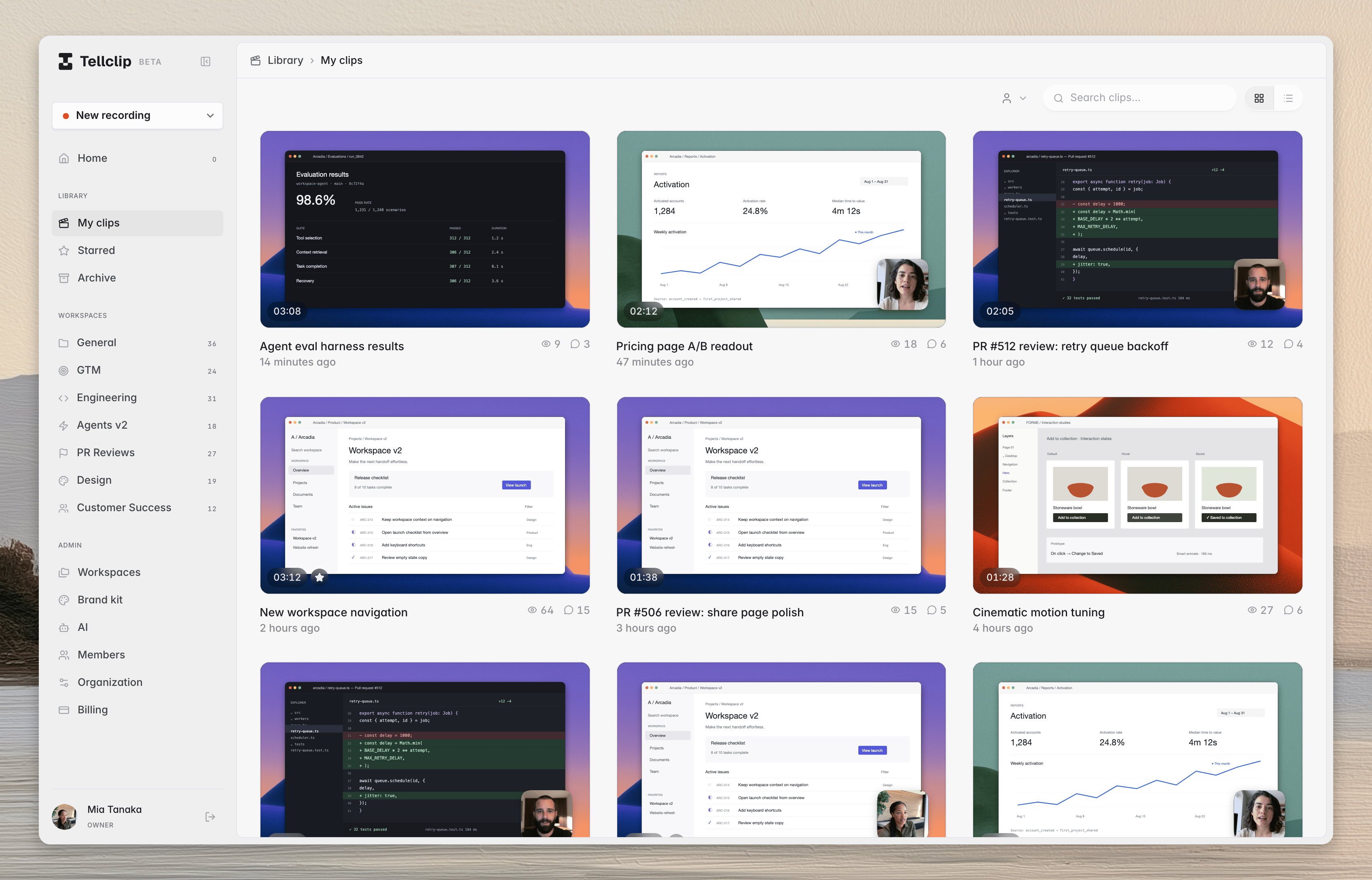
Start here
Install Tellclip
Install the Mac app and open it for the first time.
Allow access
Allow the macOS permissions that Tellclip uses for capture.
Record your first clip
Record a draft, make an edit, and create a link.
Learn the editor
Find the timeline, style controls, presets, and sharing controls.
Choose a workflow
If you need a link without editing, use Instant mode. Tellclip uploads during recording and opens the clip after you stop. If you want to edit first, turn off Instant mode. Tellclip opens the recording in the editor after you stop.The Studio preset controls the visual style. It does not turn Instant mode on or off.