

Show or hide the cursor
1
Open Cursor
Select the Cursor tab.
2
Choose visibility
Change Show Cursor.
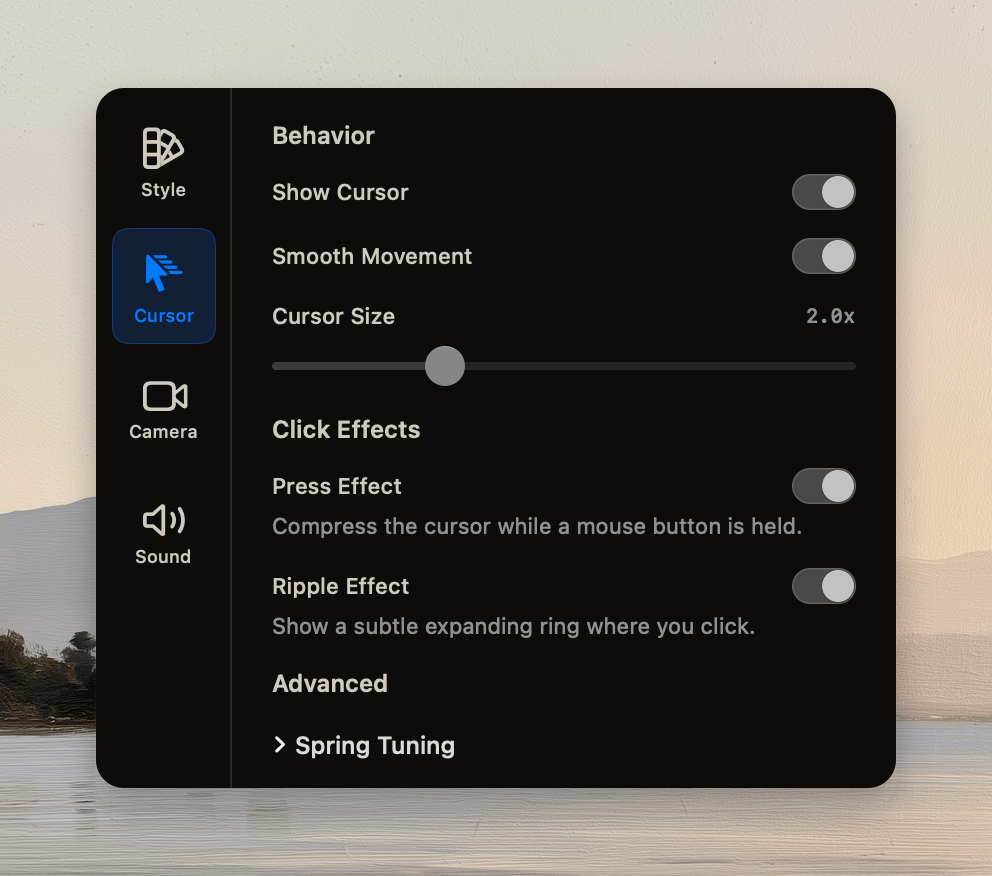
Change movement or size
Turn on Smooth Movement to reduce sharp pointer changes. If the pointer needs more emphasis, change Cursor Size.Add click effects
- Turn on Press Effect to compress the cursor during a mouse-button press.
- Turn on Ripple Effect to show an expanding ring at a click.