

Pause or resume
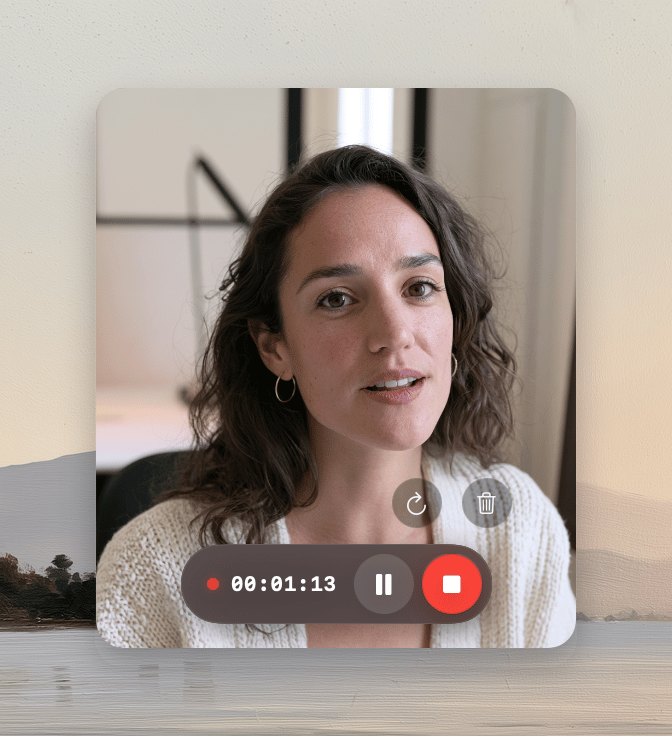
Click Pause recording to pause. Click Resume recording to continue. You can also pressCommand-Shift-P to pause or resume.
Stop the recording
Click Stop recording, or pressCommand-Shift-Return.
After a standard recording, Tellclip opens the editor. After an Instant recording, Tellclip completes the upload.
Restart or discard
1
Show the extra controls
Move the pointer over the recording controls.
2
Choose an action
Click Restart recording or Discard recording.
Common errors
The capture window is hidden
Use the pause, stop, and discard controls next to the Tellclip icon in the menu bar, or pressCommand-Shift-Return to stop. You can change this behavior in Settings → Recording.