

Cut and delete a section
1
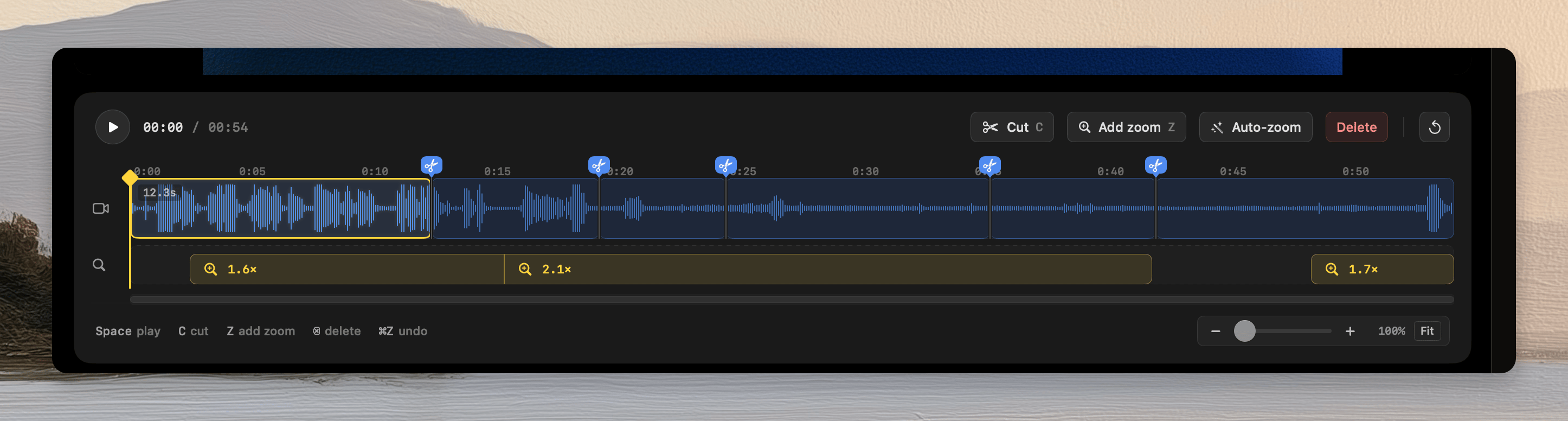
Select the Cut tool
Click Cut, or press
C.2
Add the first cut
Click the start of the unwanted section on the video lane.
3
Add the second cut
Click the end of the unwanted section.
4
Select the segment
Exit the Cut tool. Click the segment between the cuts.
5
Delete the segment
Click Delete, or press the Delete key.
Move through the timeline
- Press
Spaceto play or pause. - Press the Left Arrow or Right Arrow key to move one frame.
- Add Shift to move one second.
- Use the timeline zoom controls for detailed edits.
- Click Fit to show the complete timeline.