

How transcript processing works
If microphone audio is available, Tellclip uses it for the transcript. Muting microphone audio prevents its speech transcript from leaving the Mac. The first transcript can take longer because Tellclip downloads and prepares the transcript model. Keep Tellclip running during this setup. Timeline edits also change caption timing. Tellclip maps captions to the edited clip before it uploads the transcript.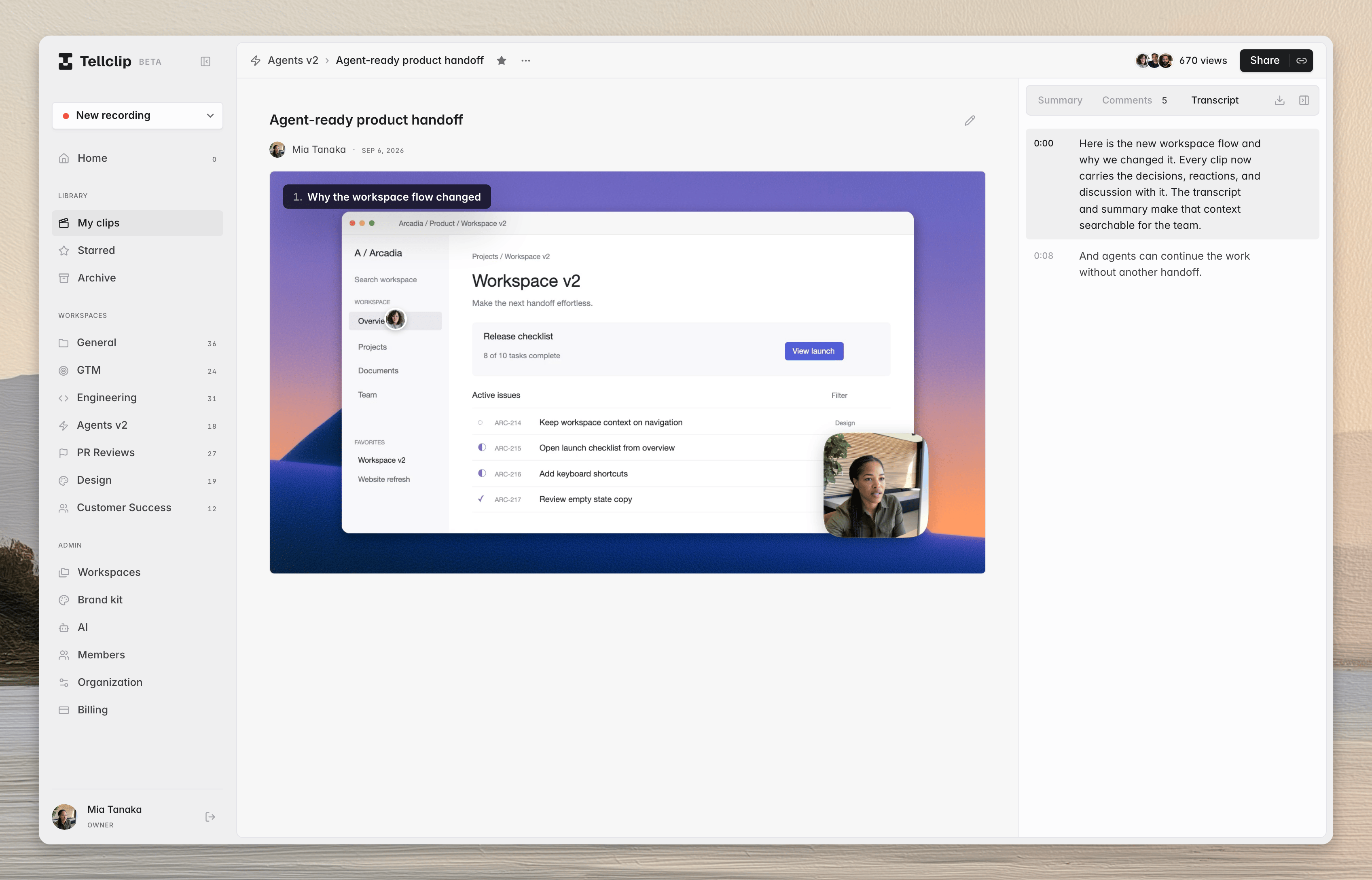
Read a transcript
1
Open the clip
Open the clip page.
2
Open Transcript
If the
Transcript tab is available, select it.3
Move to a moment
Select a transcript timestamp to move the player to that moment.
Captions in the player to show the same timed text over the video.
Download a transcript
Open theTranscript tab. Then select Download transcript.
Tellclip downloads a text file with the clip title, timestamps, and transcript blocks.