

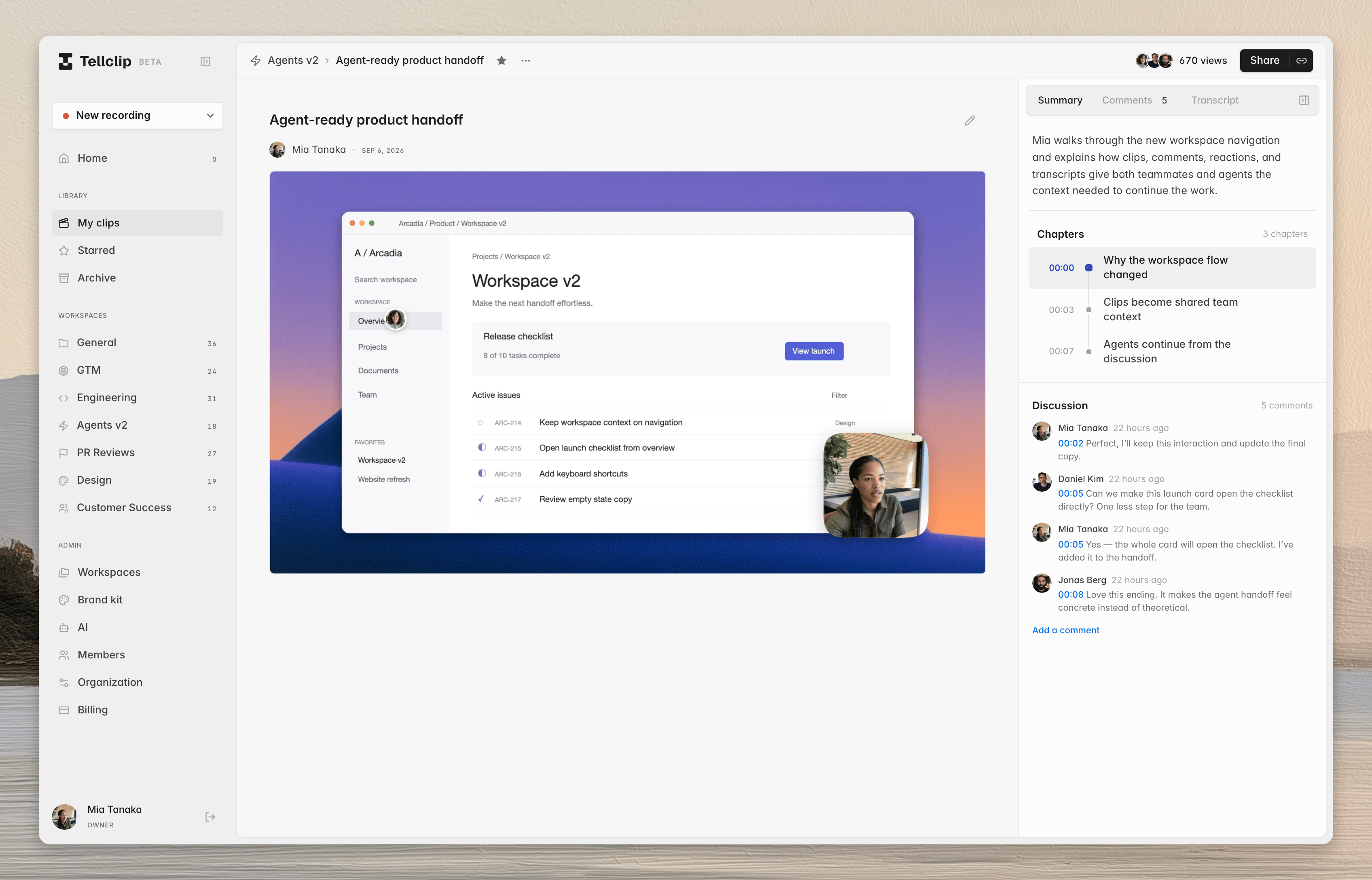
Play the clip
1
Open the link
Open the clip link in a web browser.
2
Start playback
Select
Play, or press Space or K.3
Move through the clip
Drag the timeline. If the clip has chapters, select a chapter.
Use comments
Select a comment marker on the timeline to open its discussion.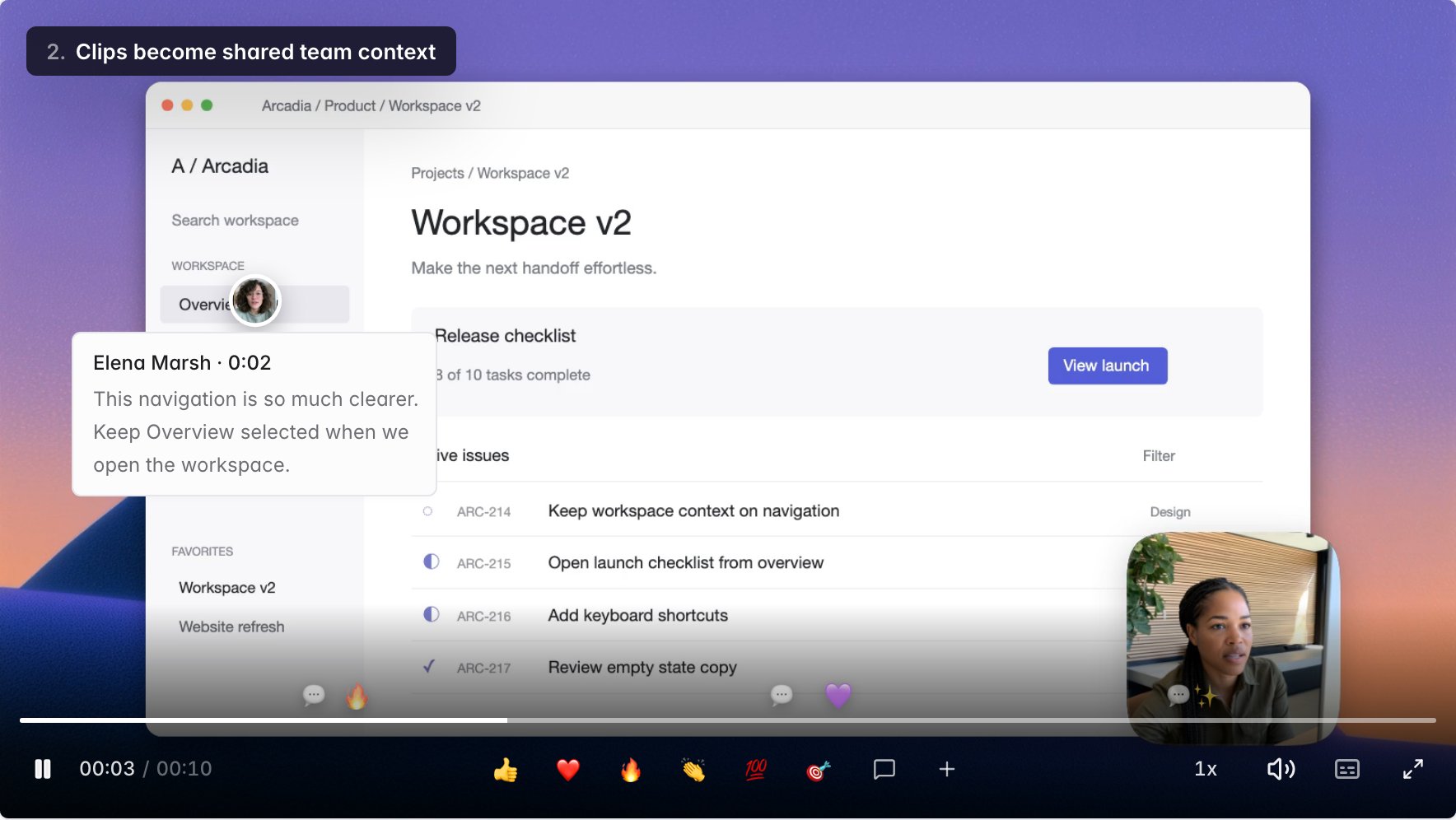
Player shortcuts
The volume and start-or-end shortcuts apply after you engage the player or enter fullscreen.
Common errors
The clip is not available
Ask the clip owner to make sure that the public link is on. Team-only clips also require organization access.Captions are not shown
SelectCaptions. If this control is absent, the clip does not have an available caption track.