

Add zooms from recorded clicks
1
Open Cursor
Select the Cursor tab.
2
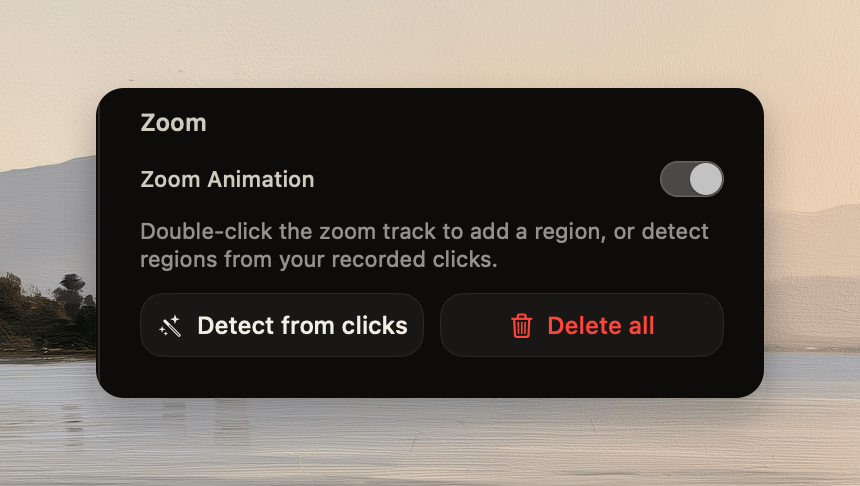
Turn on zooms
Turn on Zoom Animation.
3
Detect click moments
Click Detect from clicks or Auto-zoom.
4
Approve replacement
If Tellclip finds existing ranges, approve the replacement prompt.
Add a manual range
1
Add the range
Double-click the zoom track, or place the playhead and click Add zoom.