

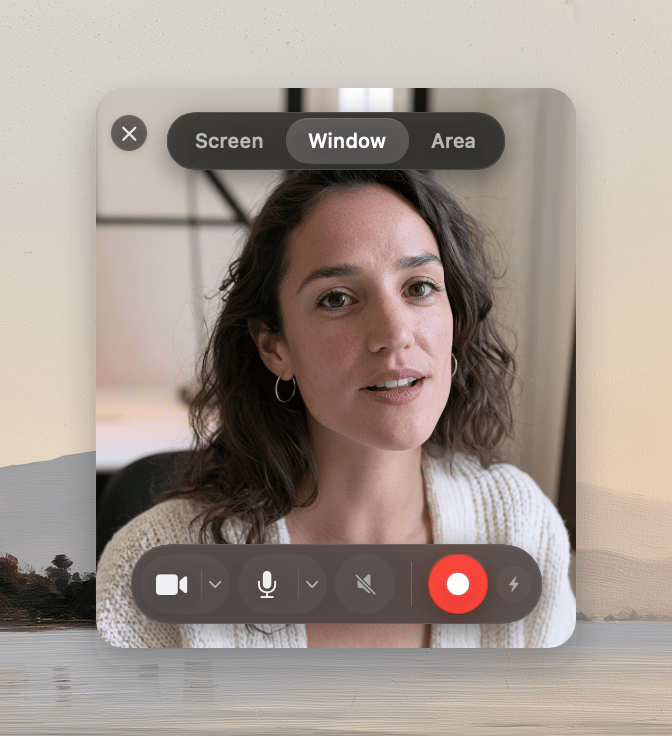
Record a screen
1
Select Screen
Click Screen in the capture window.
2
Choose a screen
If the Mac has multiple screens, open the screen menu and select one.
3
Start recording
Click Record.
Record a window
1
Select Window
Click Window in the capture window.
2
Start source selection
Click Record.
3
Choose a window
Select the window in the window picker.
Record an area
1
Select Region
Click Region in the capture window.
2
Start source selection
Click Record.
3
Draw the area
Drag across the area that you want to record.